

Introduction
In today’s competitive business environment, managing repetitive tasks manually can waste valuable time and resources. Therefore, business automation helps companies simplify daily operations, improve productivity, and focus on business growth.
What Is Business Automation?
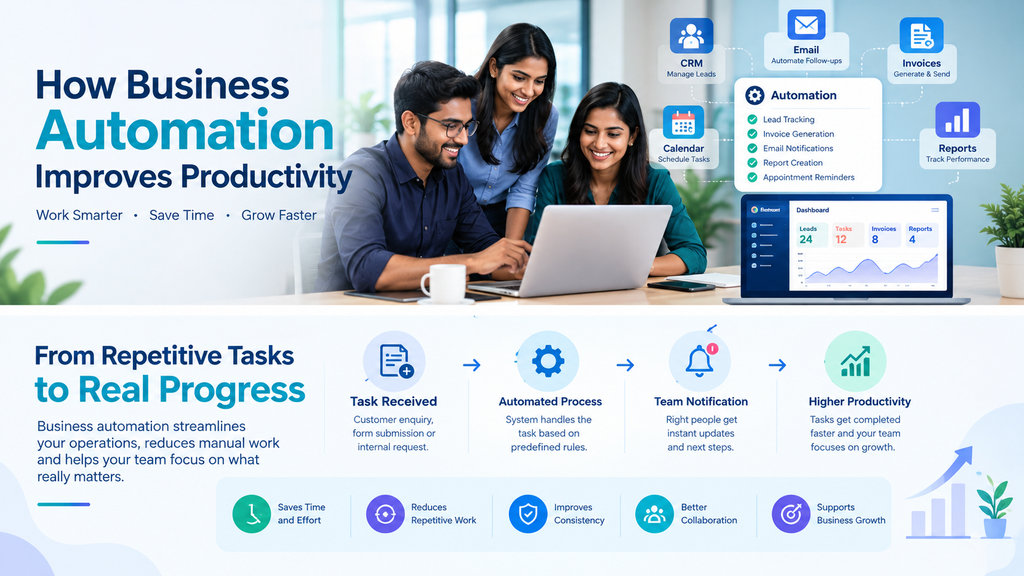
Business automation is the use of technology and software to perform repetitive tasks with minimal manual effort. For example, businesses can automate customer follow-ups, invoice generation, appointment reminders, email notifications, and report creation.
How Does Business Automation Improve Productivity?
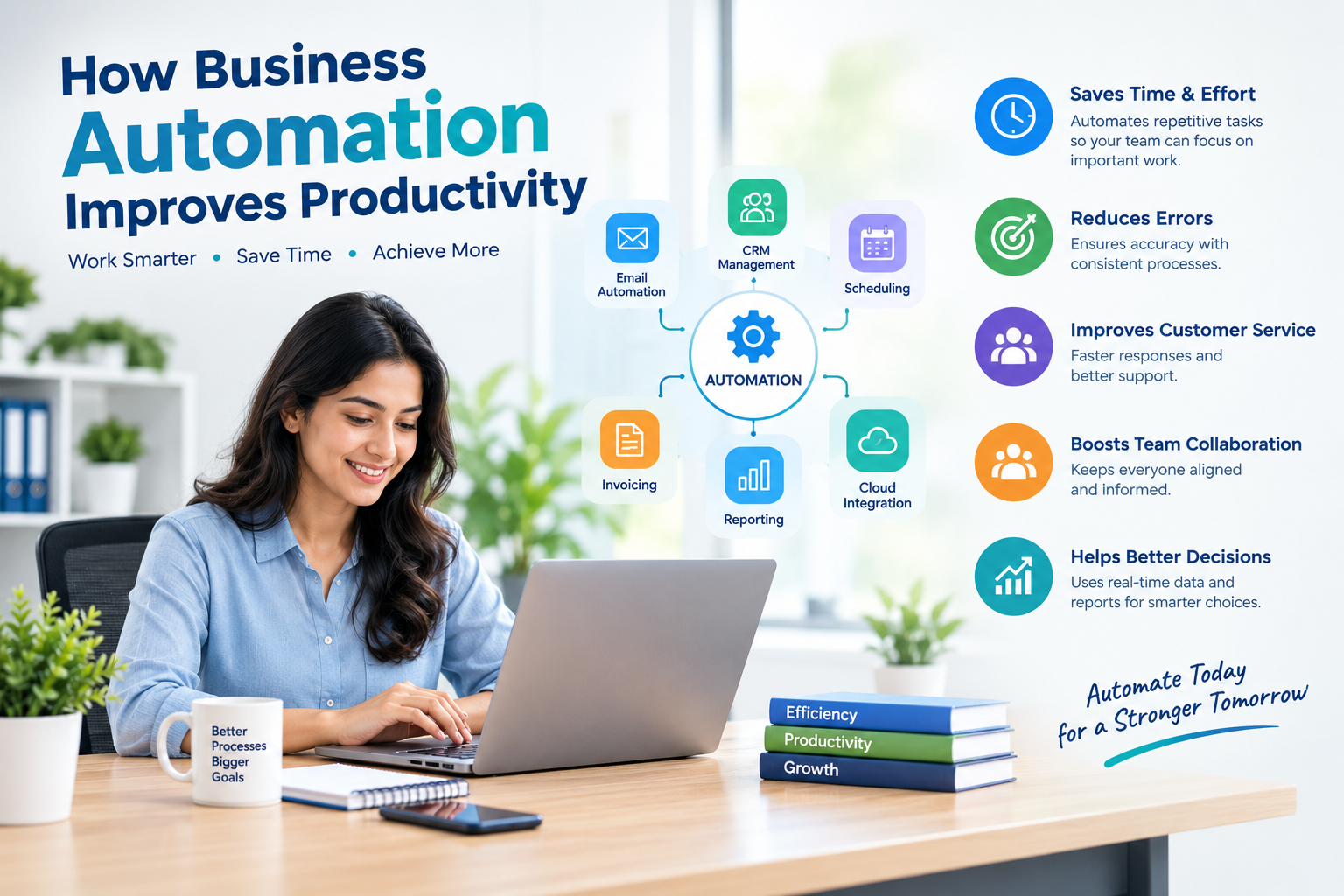
Business automation improves productivity by reducing manual work and helping teams complete tasks more efficiently. Here are some important benefits.
1. Saves Time and Effort
First, automation handles repetitive tasks such as sending emails, updating records, and generating reports. As a result, employees can spend more time on important activities that require human skills and decision-making.
2. Reduces Manual Errors
Next, automated workflows follow predefined rules to process information consistently. For example, automated invoice systems can calculate totals and organize billing records, reducing certain types of manual errors.
3. Improves Customer Service
Additionally, businesses can use automated responses, appointment reminders, and customer relationship management (CRM) tools to respond more quickly to customer needs.
4. Supports Better Team Collaboration
Furthermore, workflow automation can assign tasks, send notifications, and track project progress. This helps team members understand their responsibilities and reduces communication delays.
5. Helps Businesses Make Better Decisions
Finally, automated reporting tools can collect and organize business data. Consequently, managers can review performance, identify trends, and make more informed decisions.
Which Business Tasks Can Be Automated?
Businesses can automate several routine activities depending on their needs.
Business AreaAutomation ExampleMarketingSchedule emails and follow-up messagesSalesTrack leads and send remindersFinanceGenerate invoices and payment notificationsCustomer SupportAnswer common questions and route enquiriesHuman ResourcesOrganize leave requests and onboarding tasksReportingPrepare regular performance reports
For example, a company that receives enquiries through its website can use a CRM system to record leads and remind its sales team to follow up. This makes the process more organized and helps reduce the chance of missing potential customers.
How Can Businesses Get Started With Automation?
Businesses can begin automation with a few practical steps.
- Identify repetitive tasks: Find activities that consume time every day.
- Choose the right tools: Select software that fits your business requirements and budget.
- Start with one workflow: Automate a simple task, such as appointment reminders or lead tracking.
- Train your team: Make sure employees understand how to use the new system.
- Measure results: Monitor time saved, error rates, response times, and overall performance.
However, businesses should protect customer information, review automated decisions, and keep human oversight for tasks that require judgment or personal attention.
How Naina Technologies Can Help
Naina Technologies helps businesses explore digital solutions that support their operational and growth goals. With services such as web development, software development, and digital technology solutions, businesses can create more efficient digital workflows tailored to their needs.
The right technology can help organizations reduce repetitive work, improve customer experiences, and make daily operations easier to manage.
Conclusion
Business automation helps organizations save time, reduce repetitive work, improve consistency, and increase productivity. By identifying the right processes and adopting suitable technology, businesses can build more efficient workflows and focus on long-term growth.
Ready to improve your business productivity? Connect with Naina Technologies to explore digital solutions for your business.
Written by: Naina Technologies — Digital Solutions Team
Reviewed by: Naina Technologies Technical Team

Leave a Reply