


What Is a Content Management System?
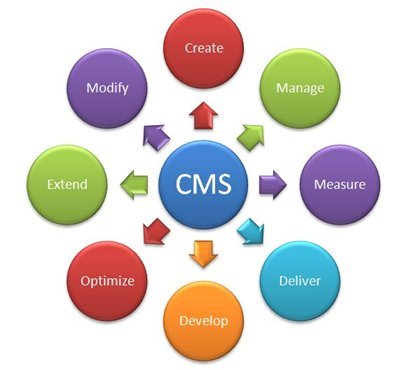
A content management system (CMS) is software that allows users to create, edit, organize, manage, and publish digital content through an interface without manually writing code for every routine content update.
A CMS separates many day-to-day content tasks from the underlying website code.
For example, a marketing team can use a CMS dashboard to publish a new blog post, update a service page, upload images, or edit website content without directly modifying HTML or other website files.
A CMS turns website content management into a more accessible and organized business process.
Common examples of CMS platforms include WordPress and other open-source, enterprise, headless, and custom content management solutions.
A CMS can be used for:
- Business websites
- Blogs
- News websites
- Educational platforms
- E-commerce websites
- Corporate portals
- Knowledge bases
- Landing pages
- Multi-location websites
Why Is a Content Management System Important for Website Management?
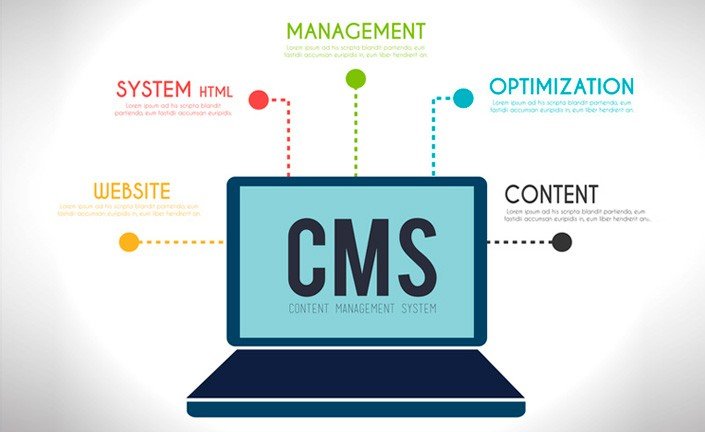
A content management system is important because it gives businesses a structured way to update and manage website content without relying on manual code changes for every routine task.
A website is rarely finished after it launches.
Businesses regularly need to update:
- Services
- Product information
- Blogs
- Images
- Team information
- Contact details
- Landing pages
- Announcements
- Offers
- SEO content
For example, if a business launches a new service, the marketing team may need to create a new page, add images, optimize the content, and publish it quickly.
Without an appropriate content management workflow, even simple changes may require technical assistance.
A CMS can reduce the gap between creating content and publishing it online.
How Does a Content Management System Work?
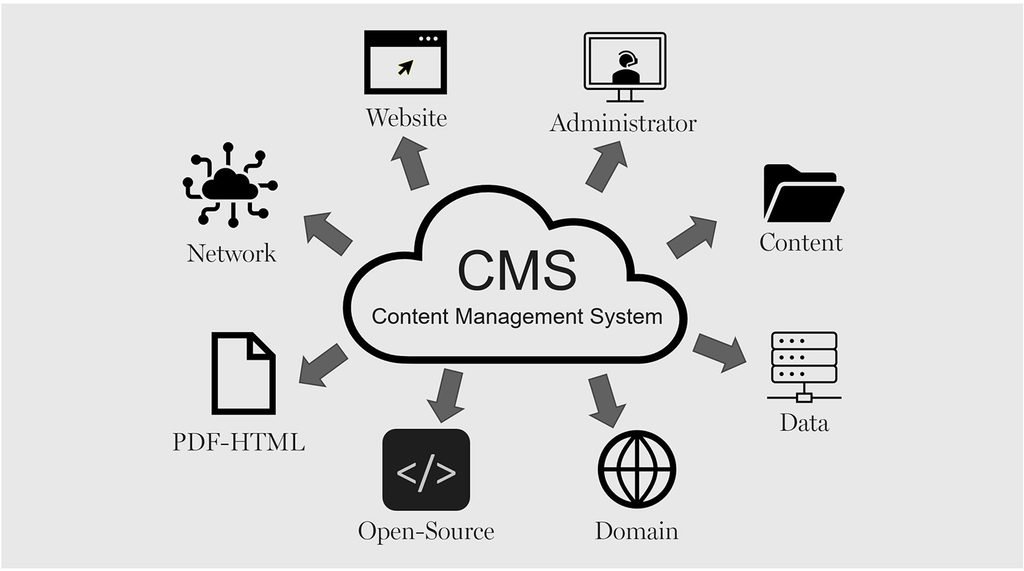
A content management system works by providing a user interface for managing content while connecting that content to templates, databases, and website functionality behind the scenes.
In simple terms, a CMS usually includes two major areas:
- Content Management Interface — Where users create and manage content.
- Content Delivery Layer — Where the website displays the published content to visitors.
For example, a business user can create a blog post inside a CMS dashboard, add a title and image, select a category, and publish the content.
The CMS then organizes and displays that content on the website based on the website’s design and structure.
A CMS allows content and website functionality to work together through a structured system.
How Content Moves Through a CMS
A typical CMS workflow may look like this:
Create Content → Save Draft → Review → Edit → Approve → Publish → Update
For example, a content writer can create a blog draft while a marketing manager reviews it before publication.
This workflow can help businesses maintain greater control over website quality.
Conclusion
A content management system makes website management easier by giving businesses a structured way to create, update, organize, and publish digital content.
Instead of depending on manual code changes for every routine update, teams can manage content through centralized dashboards and workflows.
A well-planned CMS can support:
- Faster content updates
- Better collaboration
- Organized website content
- SEO management
- Marketing flexibility
- User permissions
- Scalability
- Integrations
The most important step is choosing a CMS approach that matches your business requirements.
A website should not become difficult to manage as your business grows—it should become a digital platform that grows with you.
Ready to Simplify Your Website Management?
Naina Technologies can help you build a scalable CMS solution designed around your content, business processes, and digital growth requirements.
📞 +91 98660 37733
📧 enquiry@nainatechnologies.in
🌐 www.nainatechnologies.in

Leave a Reply